WordPress
Familie Hub – family app for WordPress
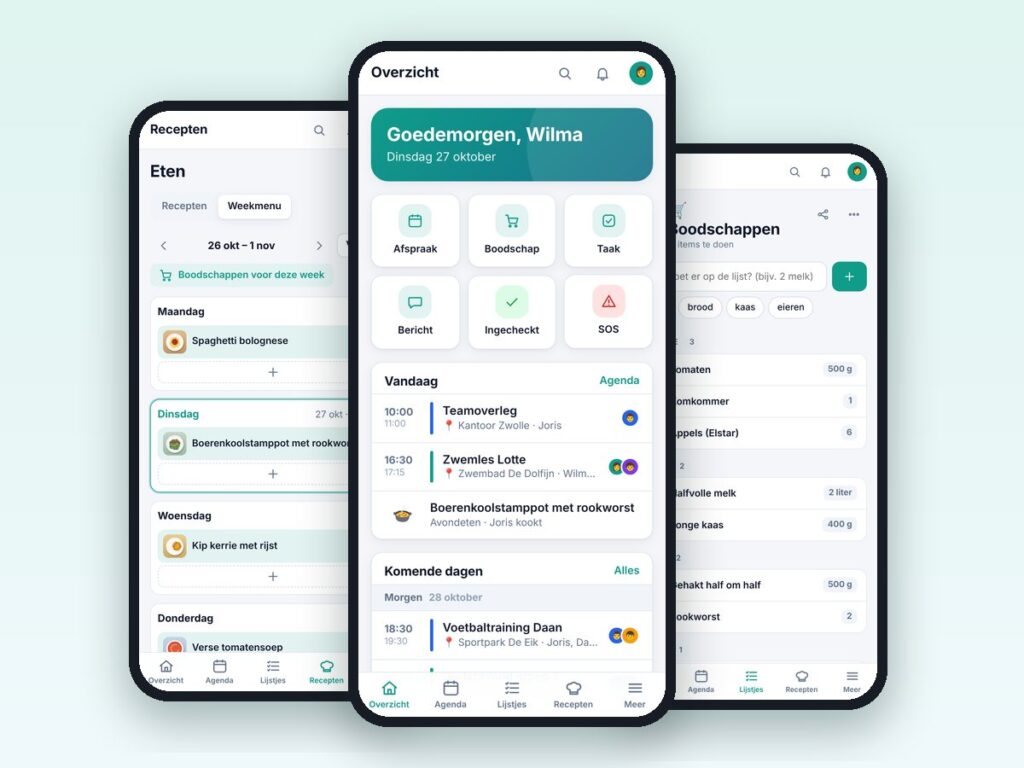
One app for the whole family: calendar, lists, chores, recipes and more.
€69.00 VAT free
ViewWordPress
Restrict your site to certain countries, with a free GeoIP database.
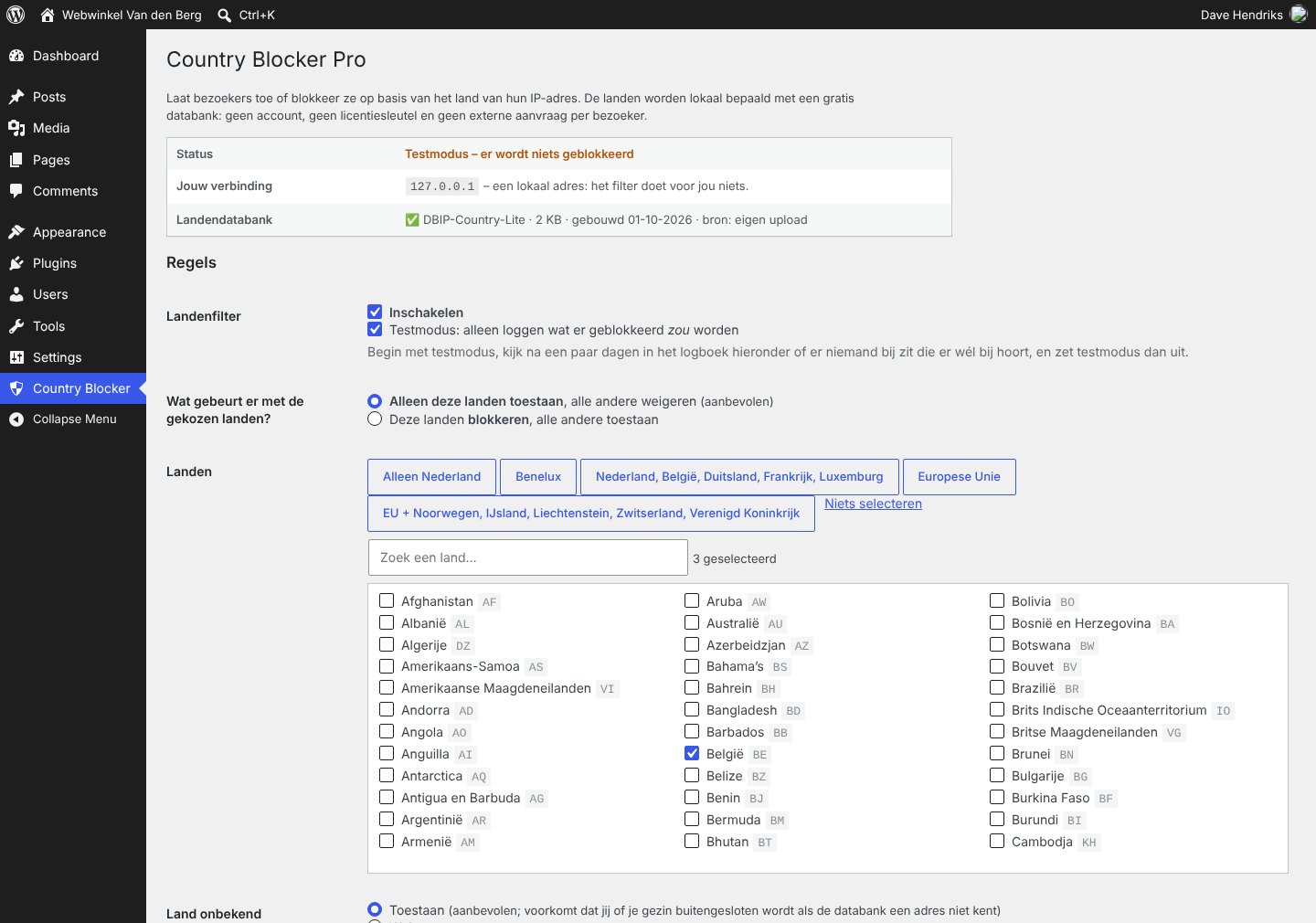
A lot of spam, hacking attempts and fake sign-ups come from countries where your business has no customers. Country Blocker Pro restricts your WordPress site to the countries you choose, or blocks the countries you do not want.
The plugin works with a local GeoIP database (DB-IP Lite) that you fetch for free, without an account or licence key. Lookups happen on your own server, so visitor data is not sent to a third party.
Afraid of locking yourself out? Test mode first shows in the log what would be blocked, and the plugin switches test mode on by itself if a setting would lock you out.
| Platform | WordPress |
|---|---|
| Version | 2.0.0 |
| Requirements | WordPress 5.8+ · PHP 7.4+ · zlib to fetch the database |
| File size | 27 KB (zip) |
| Delivery | Digital: download immediately after payment in your account and by email |
| Support | info@daveswebsites.nl |
Yes. The DB-IP GeoIP database is free and is fetched from your own server. You can also upload your own .mmdb file.
No, you can always allow verified search engine bots (through reverse DNS), so your visibility does not suffer.
The plugin switches test mode on automatically if a setting would block you. You can also add define( 'CBP_GEO_DISABLE', true ); to wp-config.php to switch the filter off at once.
Yes. Enable Cloudflare or your own proxy; only then are IP addresses from the proxy headers trusted.
No. Lookups are done locally. Only the database itself is fetched periodically.
As soon as your payment succeeds you can download the zip file on the confirmation page and in your account under Downloads. You also receive an email with the download link. If you pay by bank transfer, the downloads are released as soon as we have received your payment.
Yes. After payment your invoice is available in your account under Invoices. You can print it or save it as a PDF.
Send an email to info@daveswebsites.nl describing the problem and your order number. You will get a personal reply.
WordPress
One app for the whole family: calendar, lists, chores, recipes and more.
WordPress
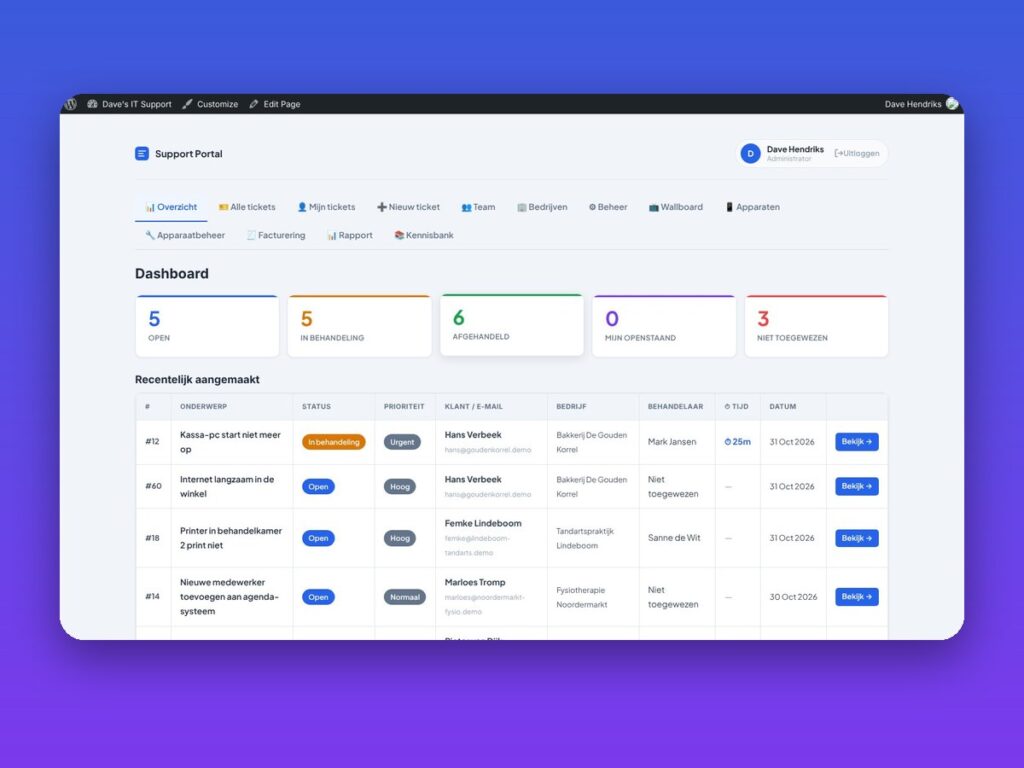
Helpdesk, customer portal, SLA, invoicing and knowledge base in one plugin.
WordPress
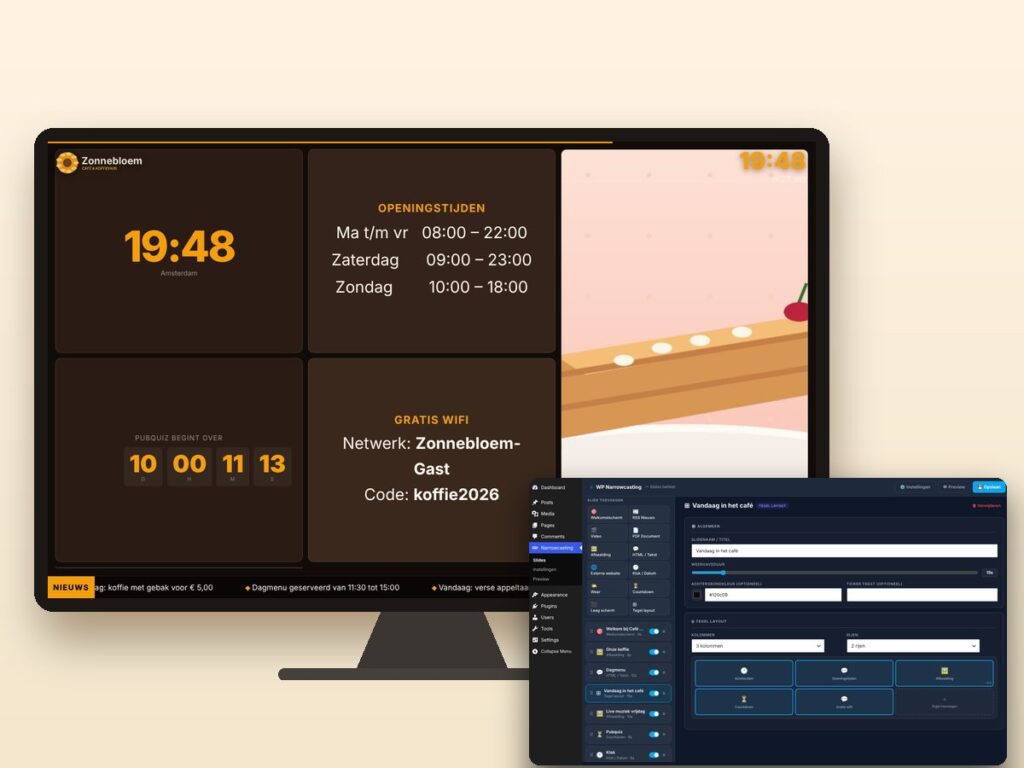
Show slides, news, video and weather on any screen, managed from WordPress.
Need an adjustment or a completely custom module or plugin? We build it for you.