WordPress
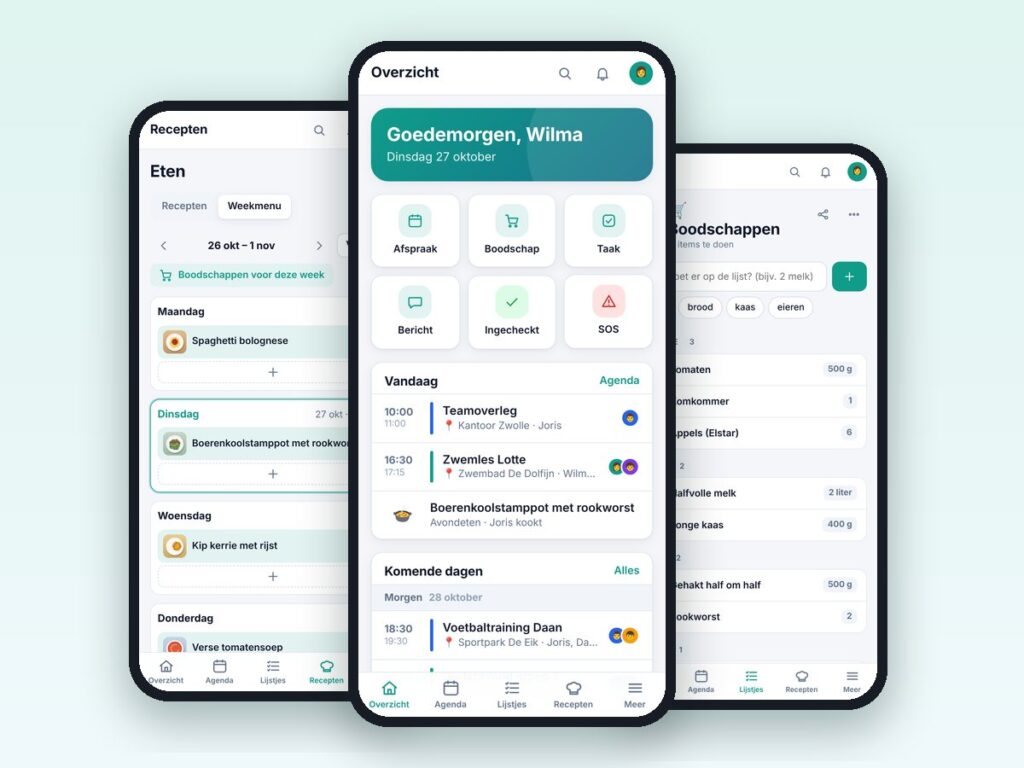
Familie Hub – family app for WordPress
One app for the whole family: calendar, lists, chores, recipes and more.
€69.00 VAT free
ViewWordPress
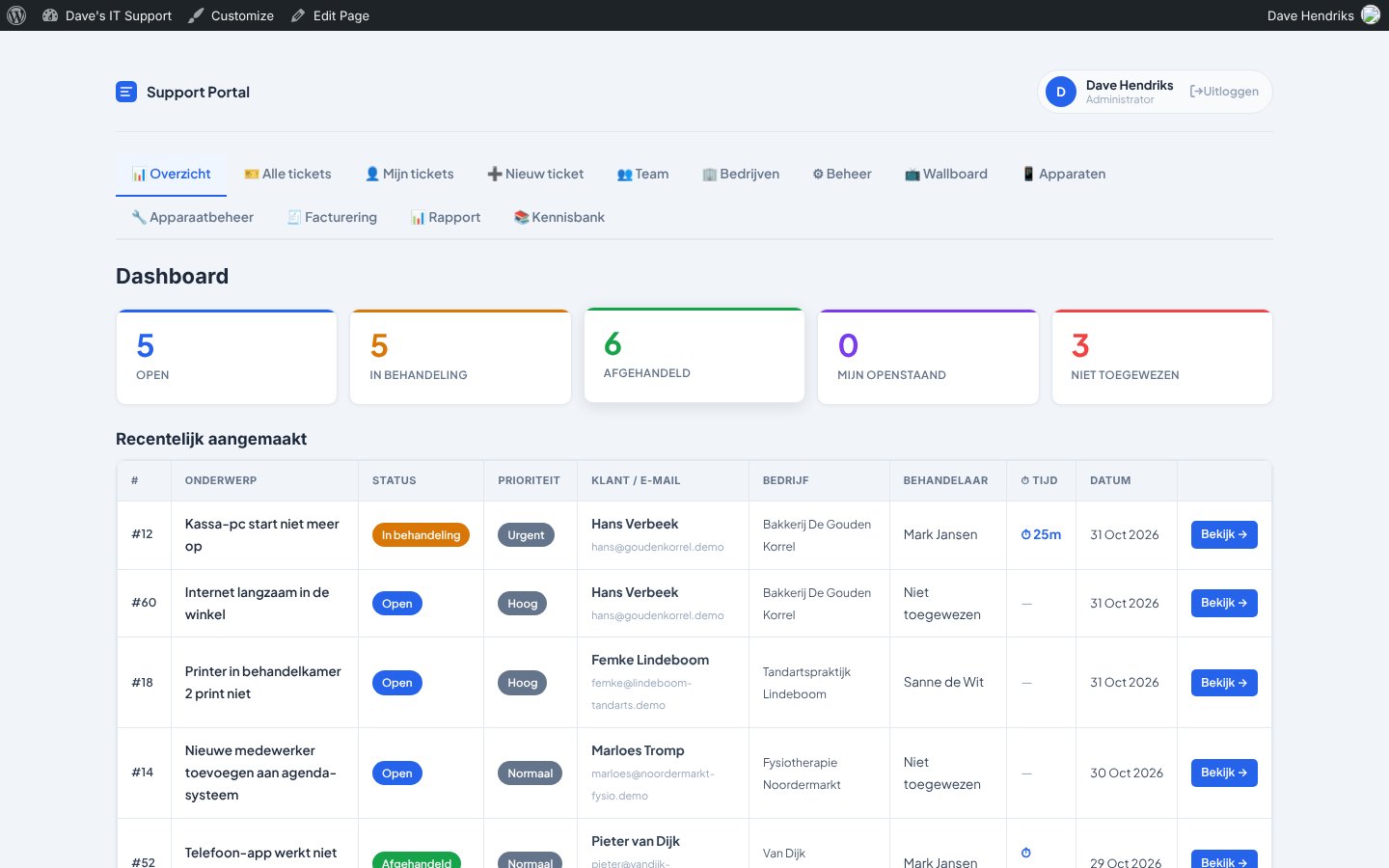
Helpdesk, customer portal, SLA, invoicing and knowledge base in one plugin.
WP Ticket System Pro is a complete helpdesk that runs on your own WordPress site. Customers log and follow their tickets in their own portal, your staff work in the same environment and you keep all data under your own control, with no per-user subscription.
The suite consists of ten modules that you switch on or off separately. You do not pay for ballast: a simple helpdesk or a full service desk with SLA and invoicing, both work with the same plugin.
Customers and staff never see the WordPress dashboard: they work in the portal, on their phone too.
| Platform | WordPress |
|---|---|
| Version | 4.0.0 |
| Requirements | WordPress 5.8+ · PHP 7.4+ |
| File size | 414 KB (zip) |
| Delivery | Digital: download immediately after payment in your account and by email |
| Support | info@daveswebsites.nl |
As many as you like. The plugin does not charge per user; all data stays on your own WordPress site.
Yes. The portal runs on pages with shortcodes and uses its own styling. You need WordPress 5.8 or higher and PHP 7.4 or higher.
Only if you want to use sign-in with Microsoft or Google (SSO) or the Microsoft 365 email import. Without those connections everything else works as normal.
Yes. All options, tables, roles and shortcodes keep the same names. Make a backup first anyway.
Yes, email us with your order number. For set-up or custom work you can get in touch.
As soon as your payment succeeds you can download the zip file on the confirmation page and in your account under Downloads. You also receive an email with the download link. If you pay by bank transfer, the downloads are released as soon as we have received your payment.
Yes. After payment your invoice is available in your account under Invoices. You can print it or save it as a PDF.
Send an email to info@daveswebsites.nl describing the problem and your order number. You will get a personal reply.
WordPress
One app for the whole family: calendar, lists, chores, recipes and more.
WordPress
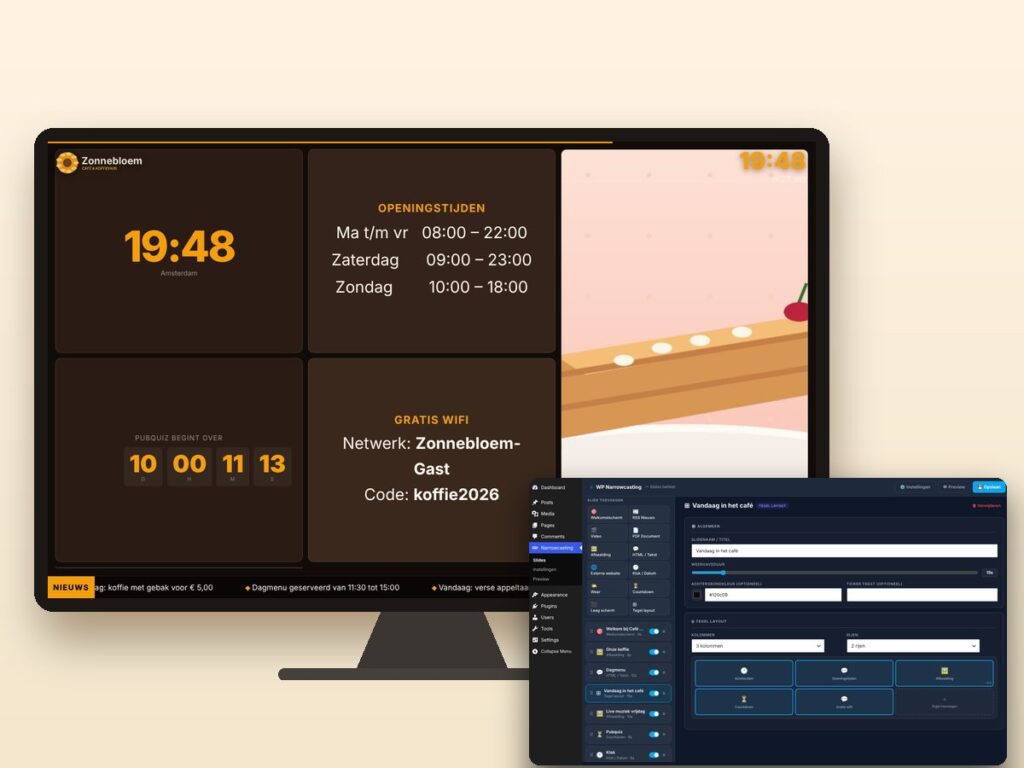
Show slides, news, video and weather on any screen, managed from WordPress.
WordPress
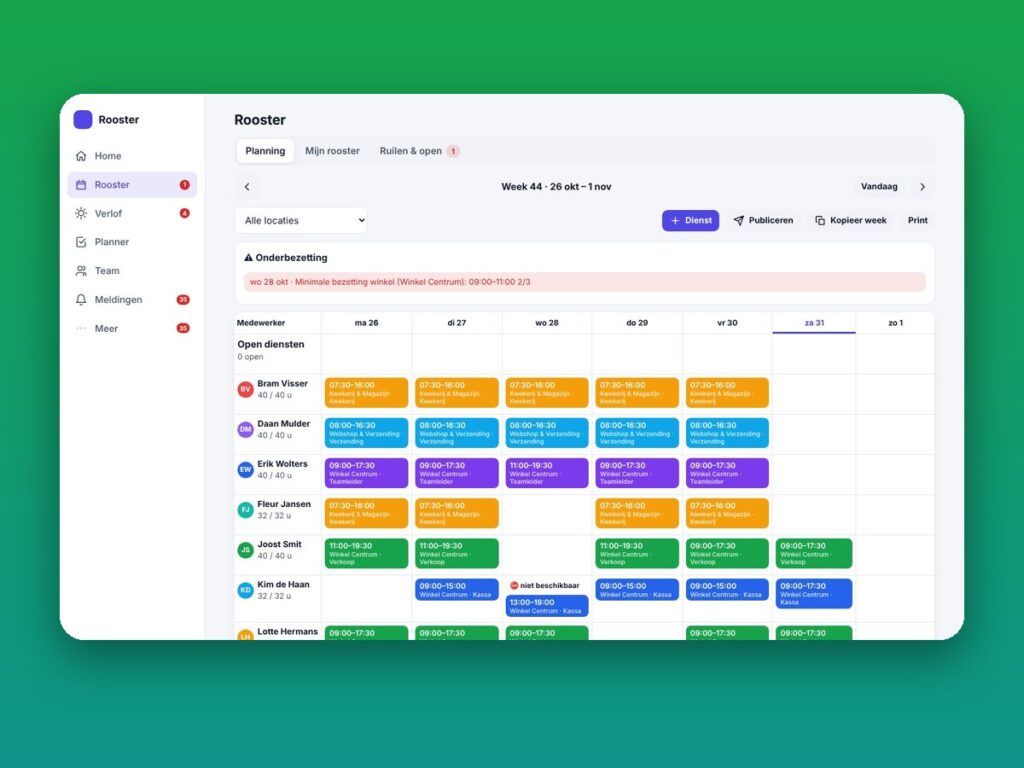
Staff schedule, leave, shift swaps and planning as a mobile app.
Need an adjustment or a completely custom module or plugin? We build it for you.