WordPress
Familie Hub – family app for WordPress
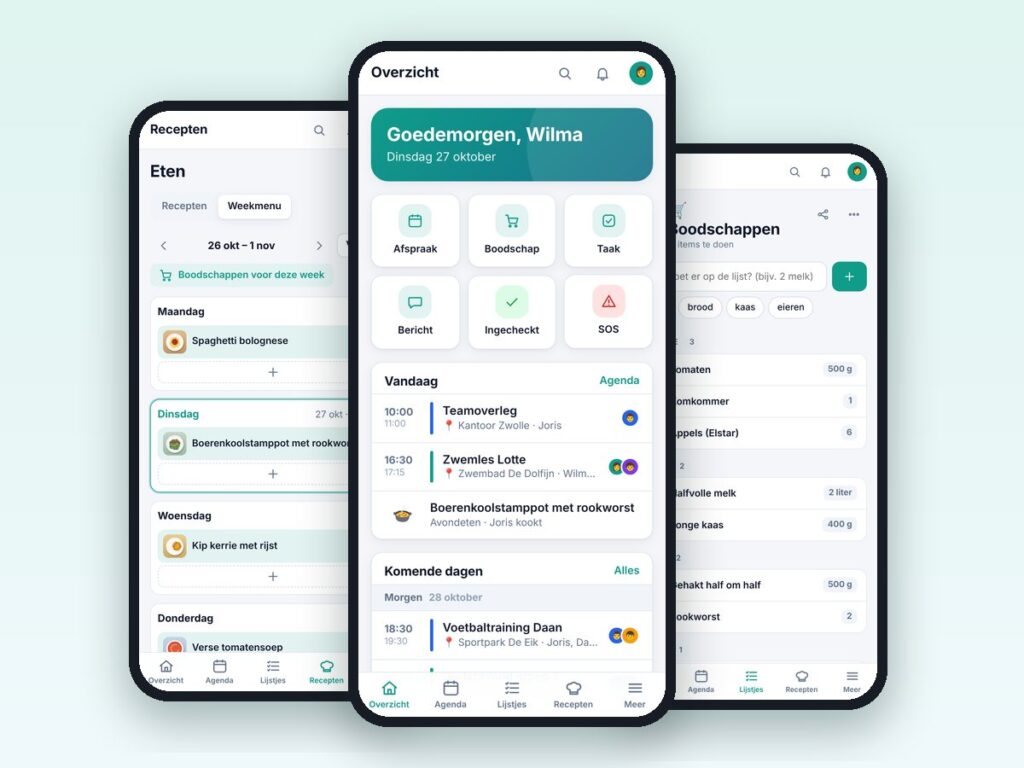
One app for the whole family: calendar, lists, chores, recipes and more.
€69.00 VAT free
ViewWordPress
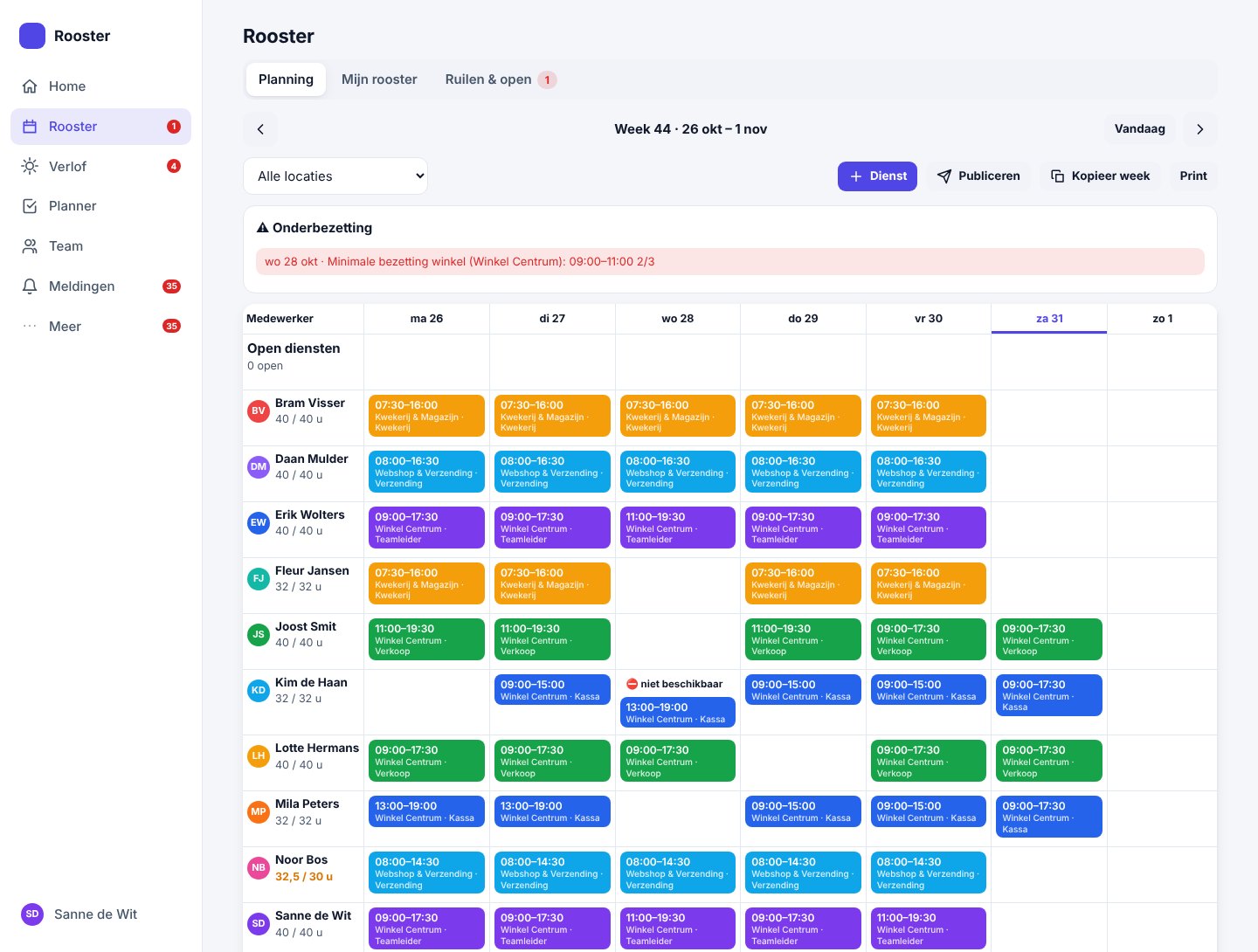
Staff schedule, leave, shift swaps and planning as a mobile app.
Rooster & Planning Pro gives your team its own scheduling app on your own WordPress site. Staff open the app at yoursite.com/rooster/, put it on their home screen and see their shifts, their leave balance and open shifts. Managers and planners schedule, approve leave and keep an eye on staffing.
Everything lives on your own server. No per-employee subscription and no data with a third party.
The app is separate from the WordPress dashboard and from other plugins: staff sign in without ever seeing wp-admin.
| Platform | WordPress |
|---|---|
| Version | 1.0.1 |
| Requirements | WordPress 5.8+ · PHP 7.4+ · HTTPS required for push and installing as an app · pretty permalinks |
| File size | 131 KB (zip) |
| Delivery | Digital: download immediately after payment in your account and by email |
| Support | info@daveswebsites.nl |
No. The app runs at its own address (yoursite.com/rooster/) and needs no pages or shortcodes.
No. The app is separate from wp-admin; staff only work in the scheduling app.
For push notifications, installing on the home screen and signing in with Google or Microsoft, yes. The rest also works without it.
Yes, through the calendar sync with Google and Microsoft. You enter your own client details for that.
No. You buy the plugin once; the number of employees is not limited by a licence.
As soon as your payment succeeds you can download the zip file on the confirmation page and in your account under Downloads. You also receive an email with the download link. If you pay by bank transfer, the downloads are released as soon as we have received your payment.
Yes. After payment your invoice is available in your account under Invoices. You can print it or save it as a PDF.
Send an email to info@daveswebsites.nl describing the problem and your order number. You will get a personal reply.
WordPress
One app for the whole family: calendar, lists, chores, recipes and more.
WordPress
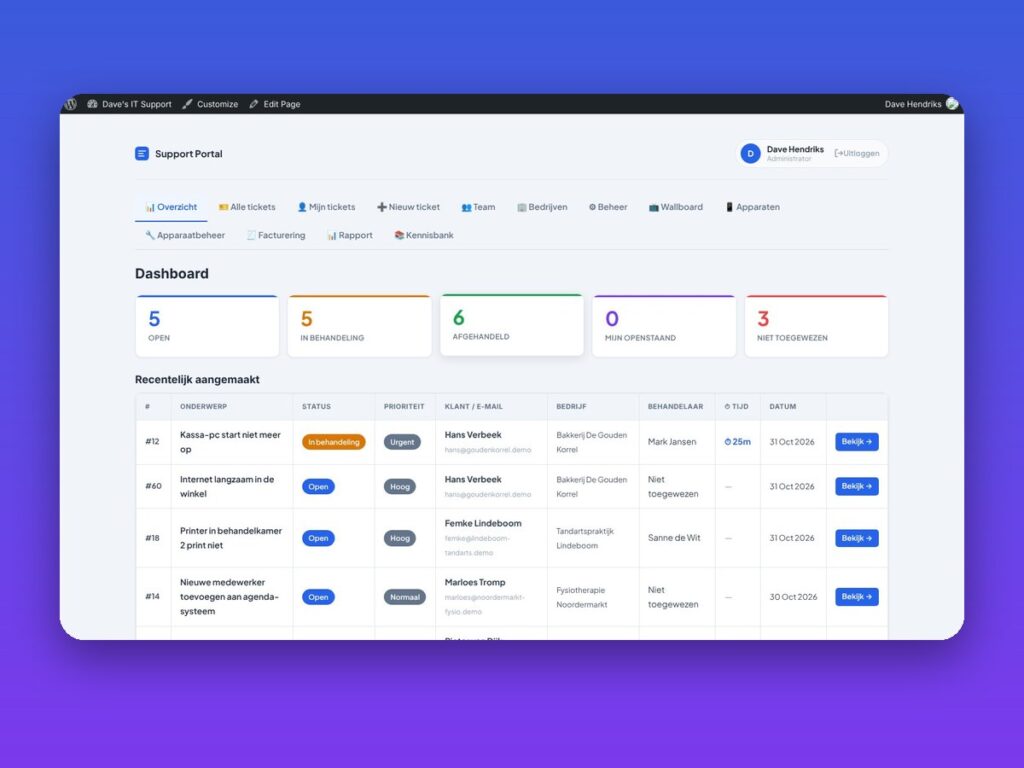
Helpdesk, customer portal, SLA, invoicing and knowledge base in one plugin.
WordPress
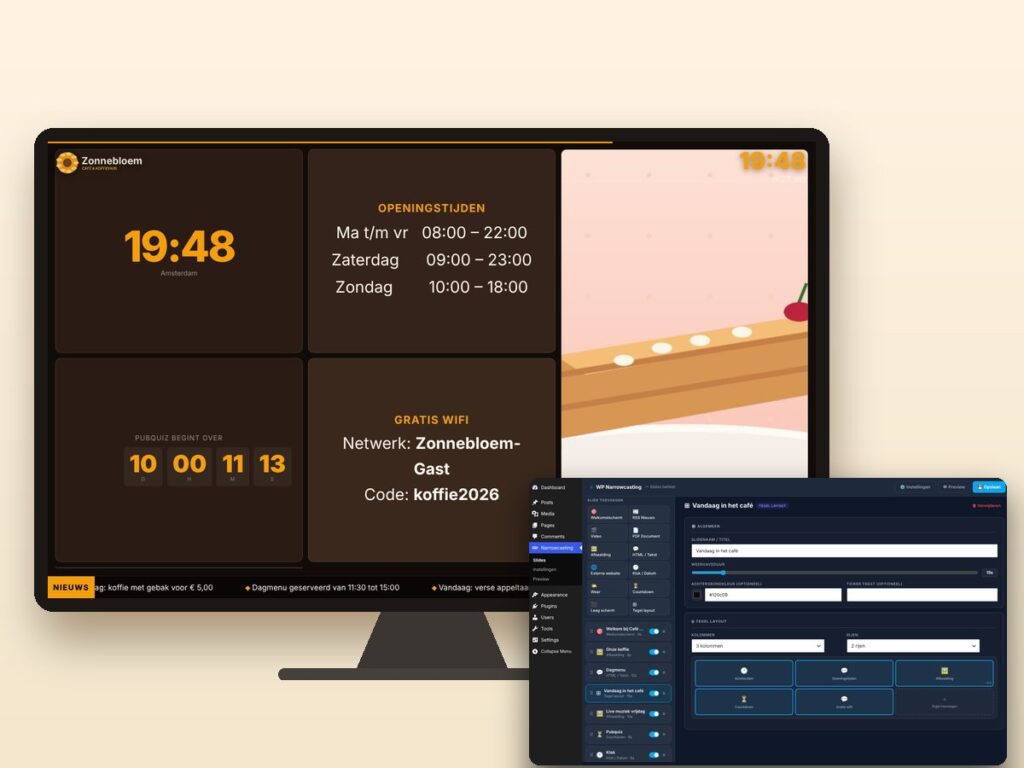
Show slides, news, video and weather on any screen, managed from WordPress.
Need an adjustment or a completely custom module or plugin? We build it for you.