WordPress
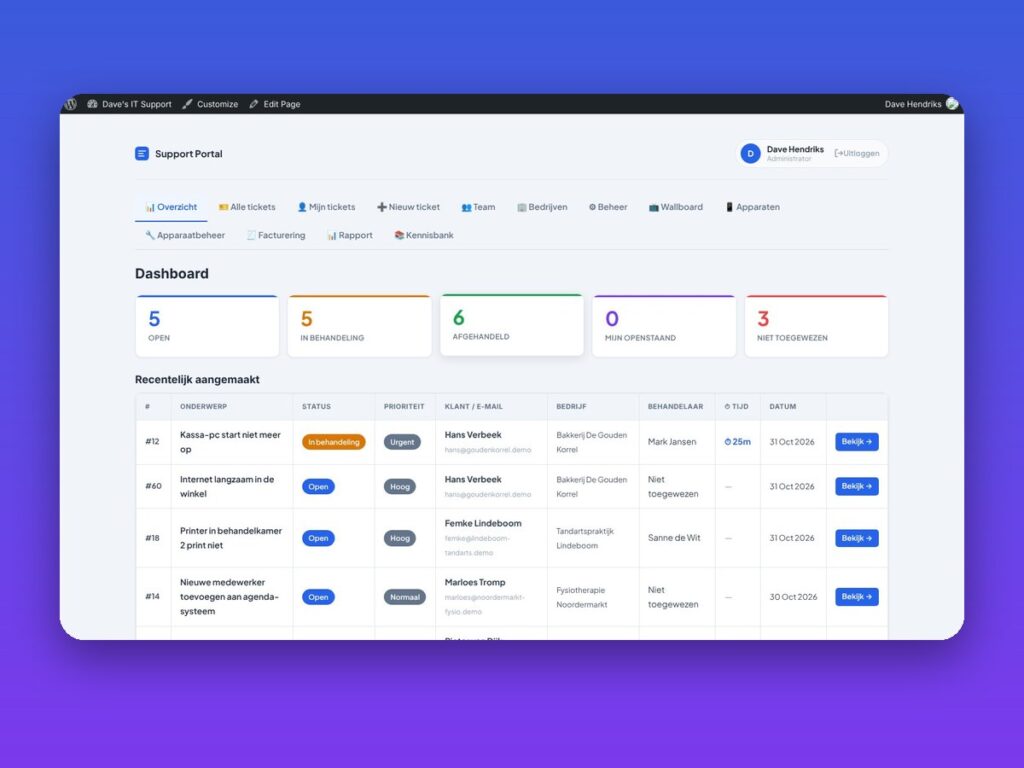
WP Ticket System Pro – ticket system for WordPress
Helpdesk, customer portal, SLA, invoicing and knowledge base in one plugin.
€149.00 VAT free
ViewWordPress
One app for the whole family: calendar, lists, chores, recipes and more.
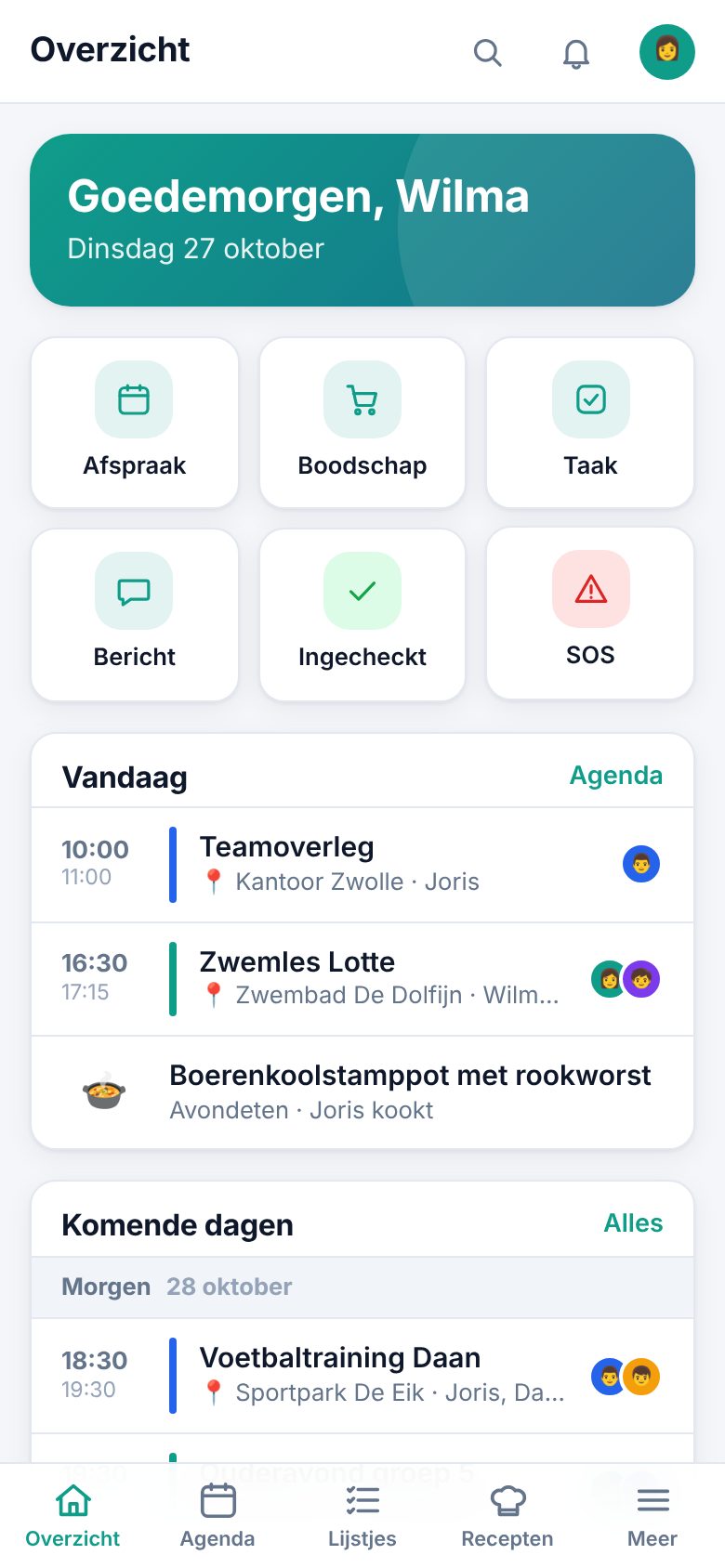
Familie Hub is a complete family app that runs on your own WordPress site. Your family opens the app at yoursite.com/familie/, installs it on the home screen and never sees the WordPress dashboard. You keep all data under your own control, without a subscription to an outside party.
The app brings together what families need every day: a shared calendar that syncs both ways with Google Calendar and Outlook, shopping lists shared live, a weekly menu with recipes, chores and rewards for the kids, a family chat, birthdays and notes.
If you like, you can also scan the barcodes of loyalty cards, books, films and games to keep them in your own collection, or create wish lists that you share with family and friends through a public link, without them needing an account.
| Platform | WordPress |
|---|---|
| Version | 1.3.6 |
| Requirements | WordPress 5.8+ · PHP 7.4+ · HTTPS recommended |
| File size | 576 KB (zip) |
| Delivery | Digital: download immediately after payment in your account and by email |
| Support | info@daveswebsites.nl |
Yes. Location, camera, installing as an app and push notifications only work over HTTPS. The other parts also work without it.
No. Location is only updated while the app is open. It is a web app and does no background tracking.
No. For young children you can create a profile without a login; older children can get their own password.
To look up books, films, games and cards the plugin uses free online databases. For films a free TMDB key is recommended; without a key you can add films manually.
As soon as your payment succeeds you can download the zip file on the confirmation page and in your account under Downloads. You also receive an email with the download link. If you pay by bank transfer, the downloads are released as soon as we have received your payment.
Yes. After payment your invoice is available in your account under Invoices. You can print it or save it as a PDF.
Send an email to info@daveswebsites.nl describing the problem and your order number. You will get a personal reply.
WordPress
Helpdesk, customer portal, SLA, invoicing and knowledge base in one plugin.
WordPress
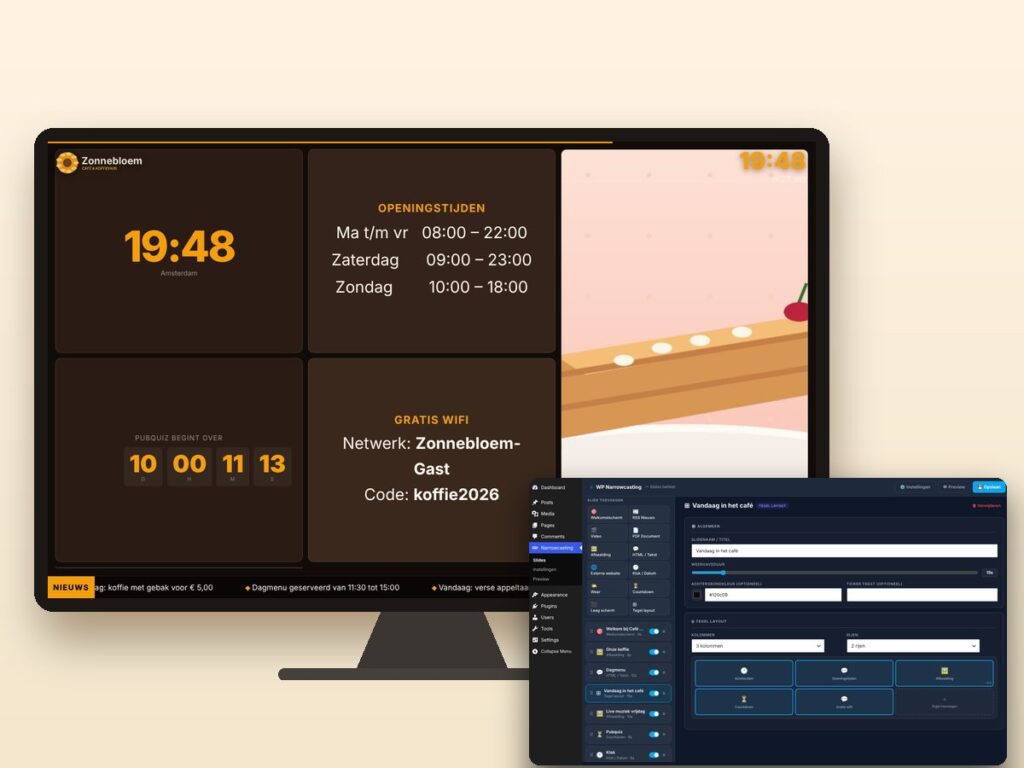
Show slides, news, video and weather on any screen, managed from WordPress.
WordPress
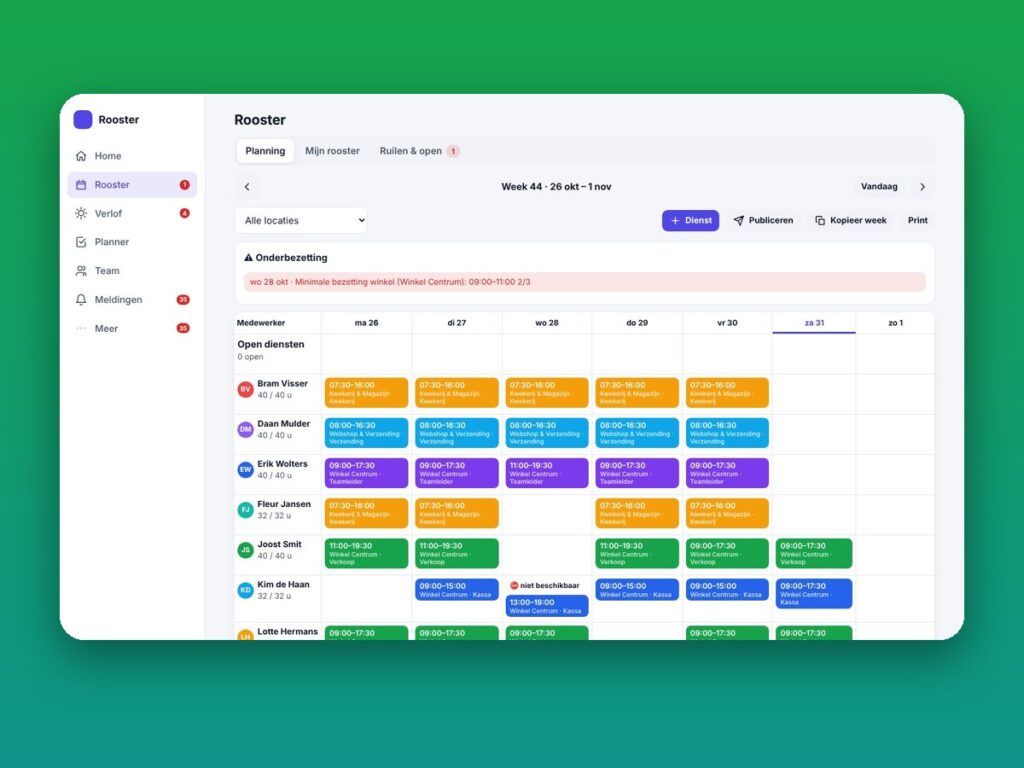
Staff schedule, leave, shift swaps and planning as a mobile app.
Need an adjustment or a completely custom module or plugin? We build it for you.