Odoo
Advanced POS Receipt Designer – design receipts in Odoo
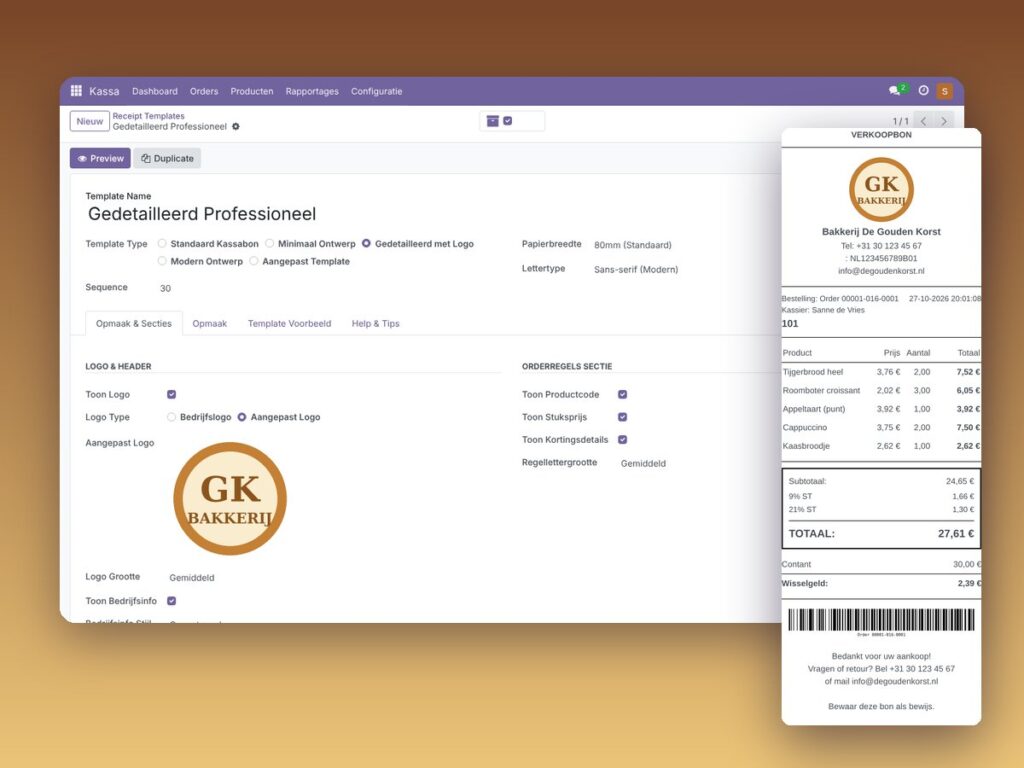
Design your receipt visually, with logo and barcode, without XML.
€39.00 VAT free
ViewOdoo
Automatic Odoo backups to your own OneDrive.
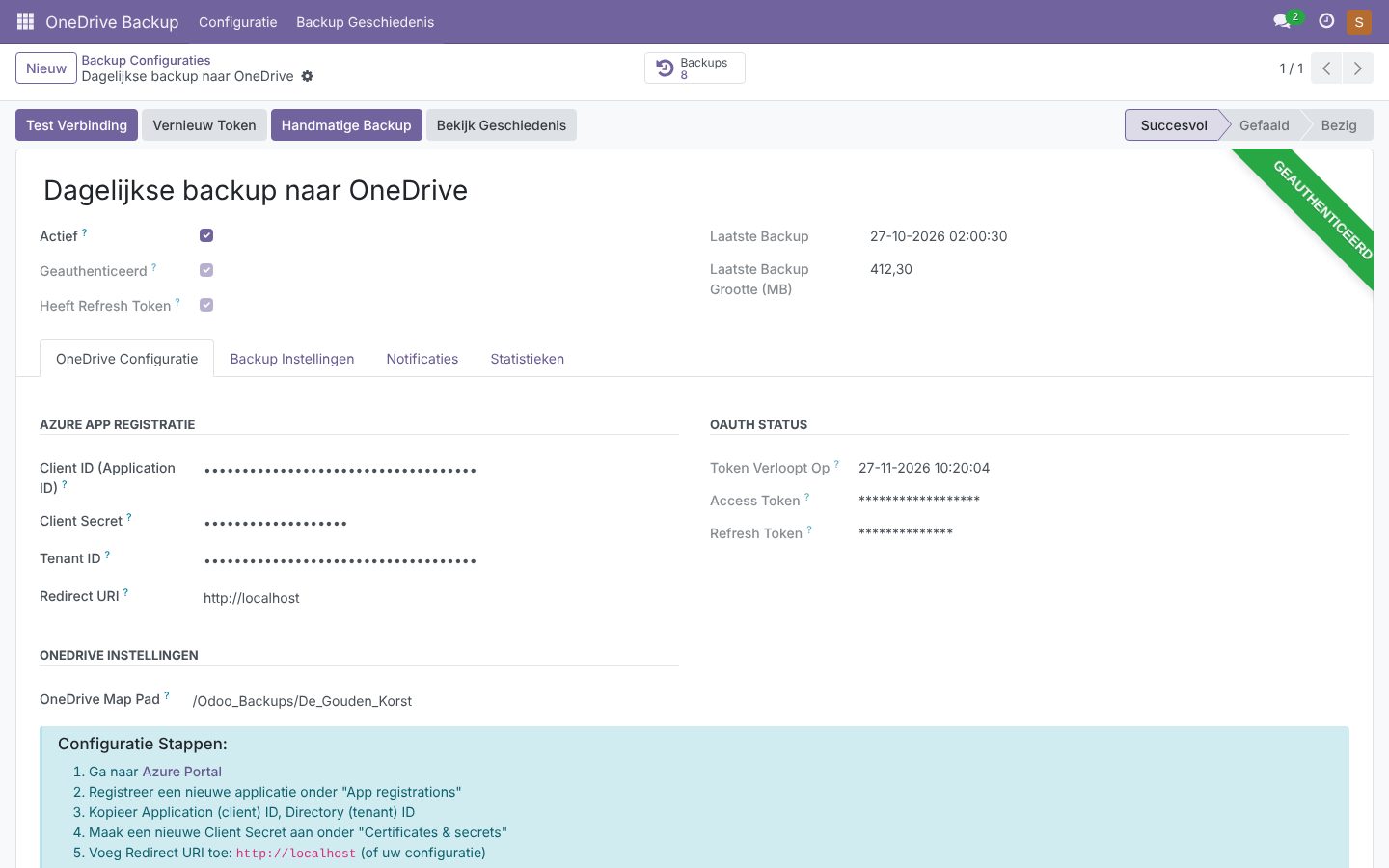
A backup that is not stored outside your server is no backup at all. With OneDrive Automatic Backup Odoo itself makes a full backup of your database (optionally including the filestore) at fixed times and stores it in your own OneDrive.
The connection uses OAuth 2.0 with your own Azure app registration, so you stay fully in control of access. You set how often a backup runs (daily, weekly, monthly or custom), how long backups are kept and who is notified on success or failure.
The overview shows date, size, duration and status of every backup. An on-demand backup takes one click.
| Platform | Odoo |
|---|---|
| Version | 17.0.1.0.0 |
| Requirements | Odoo 17.0 · Microsoft account with OneDrive · Azure app registration |
| File size | 39 KB (zip) |
| Delivery | Digital: download immediately after payment in your account and by email |
| Support | info@daveswebsites.nl |
The module is built for Odoo 17.0.
No. The connection runs through your own Azure app and the account you authorise. Only administrators can change the configuration.
That depends on your Microsoft subscription. The module uses your existing OneDrive space.
As soon as your payment succeeds you can download the zip file on the confirmation page and in your account under Downloads. You also receive an email with the download link. If you pay by bank transfer, the downloads are released as soon as we have received your payment.
Yes. After payment your invoice is available in your account under Invoices. You can print it or save it as a PDF.
Send an email to info@daveswebsites.nl describing the problem and your order number. You will get a personal reply.
Odoo
Design your receipt visually, with logo and barcode, without XML.
Odoo
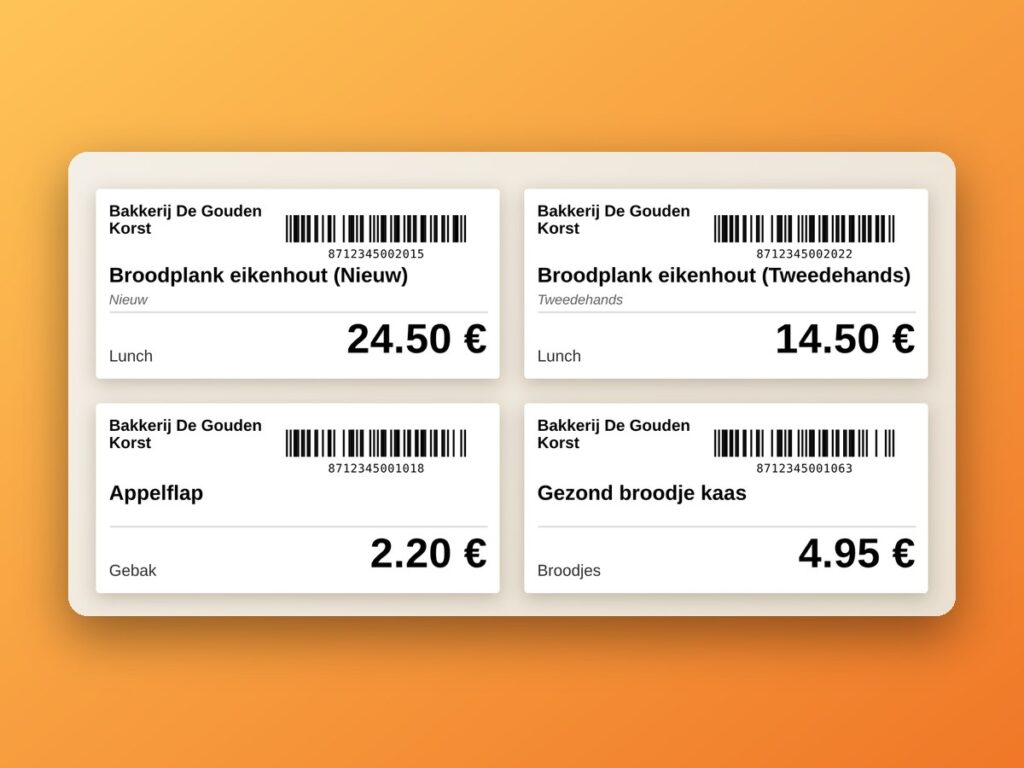
Print product labels with barcodes straight from the Odoo POS.
Odoo
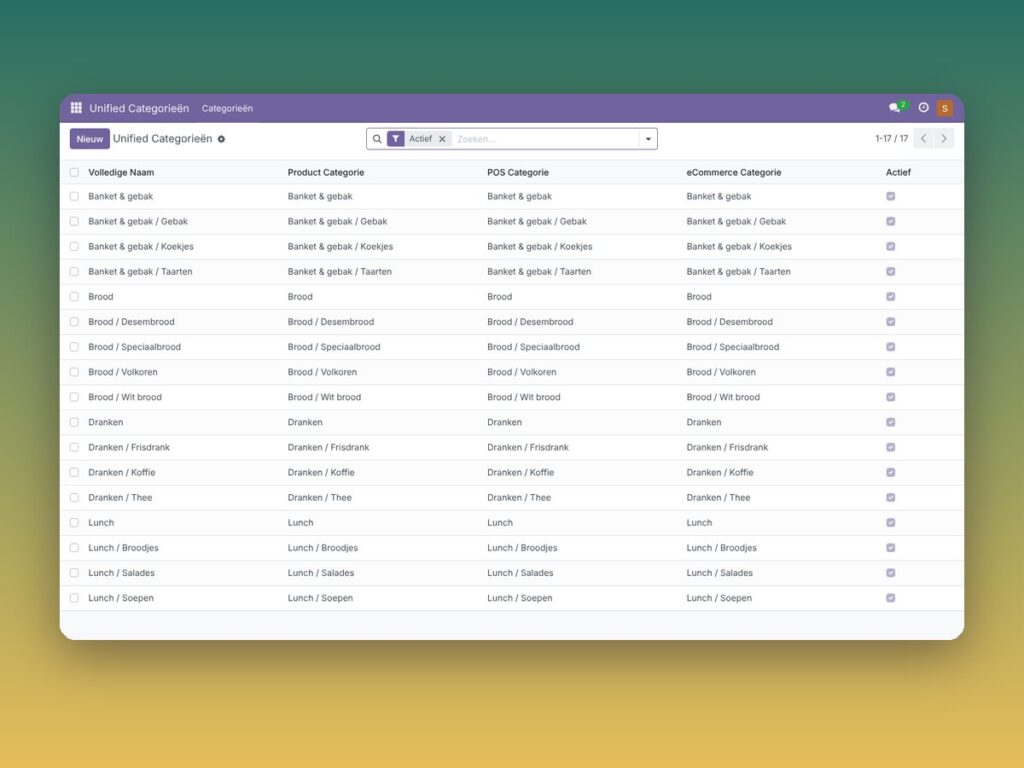
Manage product, POS and eCommerce categories in one central place.
Need an adjustment or a completely custom module or plugin? We build it for you.