Odoo
OneDrive Automatic Backup – Odoo module
Automatic Odoo backups to your own OneDrive.
€49.00 VAT free
ViewOdoo
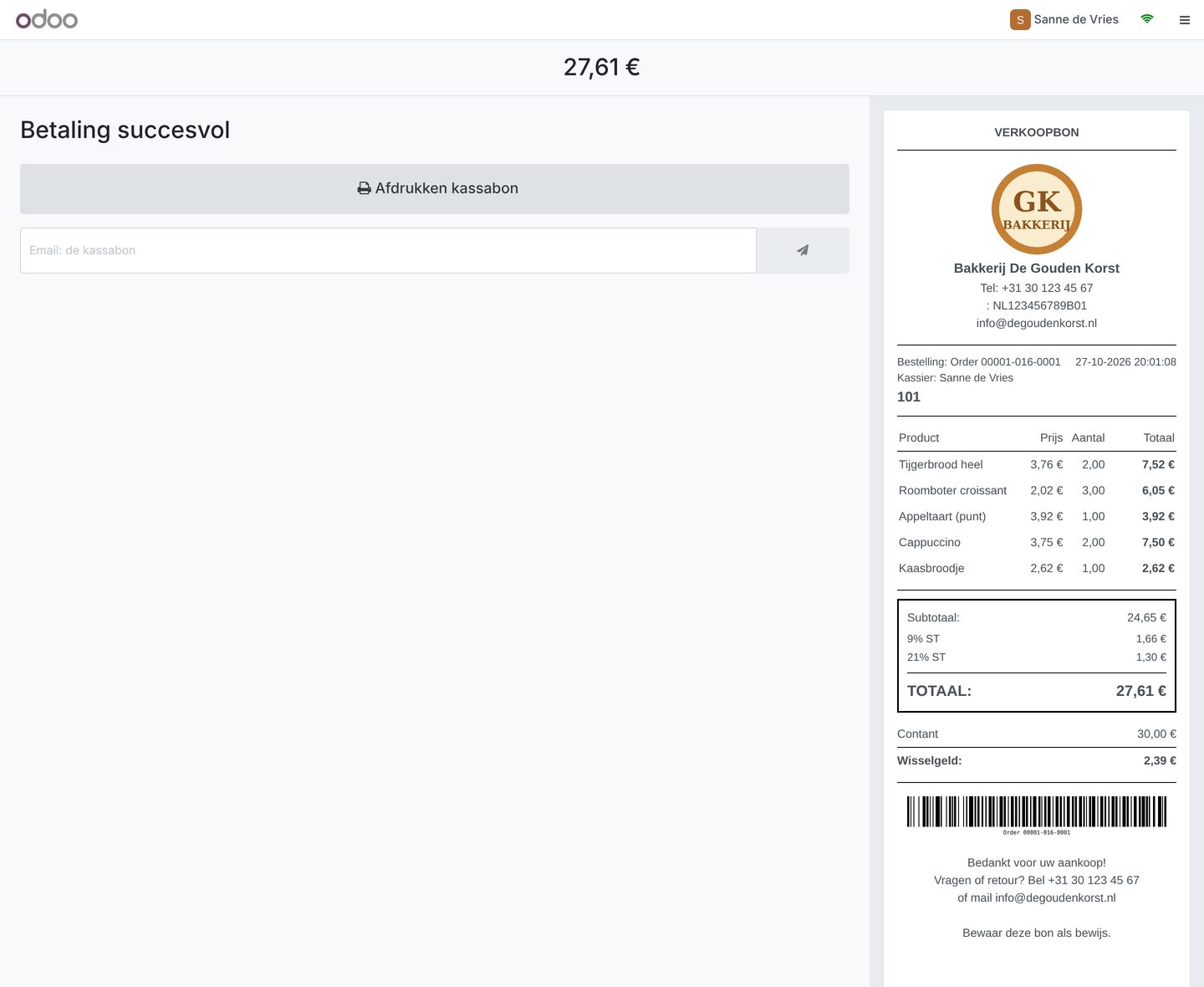
Design your receipt visually, with logo and barcode, without XML.
The default Odoo receipt is functional but rarely pretty or fitting for your shop. With the Advanced POS Receipt Designer you build your receipt through simple fields instead of XML: you choose which parts it contains, how they look and link the design to your register.
The module ships with six ready-made templates (standard, minimal, detailed, modern, restaurant and compact 58 mm) that you can adapt or duplicate. A logo, your company details, a custom header and footer, product codes, discount lines, unit prices and the VAT breakdown can be switched on or off per template.
Optionally you print a barcode of the receipt number (Code 128) on the receipt, handy for finding receipts quickly on returns.
| Platform | Odoo |
|---|---|
| Version | 17.0.1.0.0 |
| Requirements | Odoo 17.0 · Point of Sale app |
| File size | 94 KB (zip) |
| Delivery | Digital: download immediately after payment in your account and by email |
| Support | info@daveswebsites.nl |
The module is built for Odoo 17.0 with the Point of Sale app.
Yes, you choose a paper width of 58 or 80 mm per template. The Compact 58 mm template is tuned for it.
No. You build the receipt through fields; custom CSS is optional for advanced users.
As soon as your payment succeeds you can download the zip file on the confirmation page and in your account under Downloads. You also receive an email with the download link. If you pay by bank transfer, the downloads are released as soon as we have received your payment.
Yes. After payment your invoice is available in your account under Invoices. You can print it or save it as a PDF.
Send an email to info@daveswebsites.nl describing the problem and your order number. You will get a personal reply.
Odoo
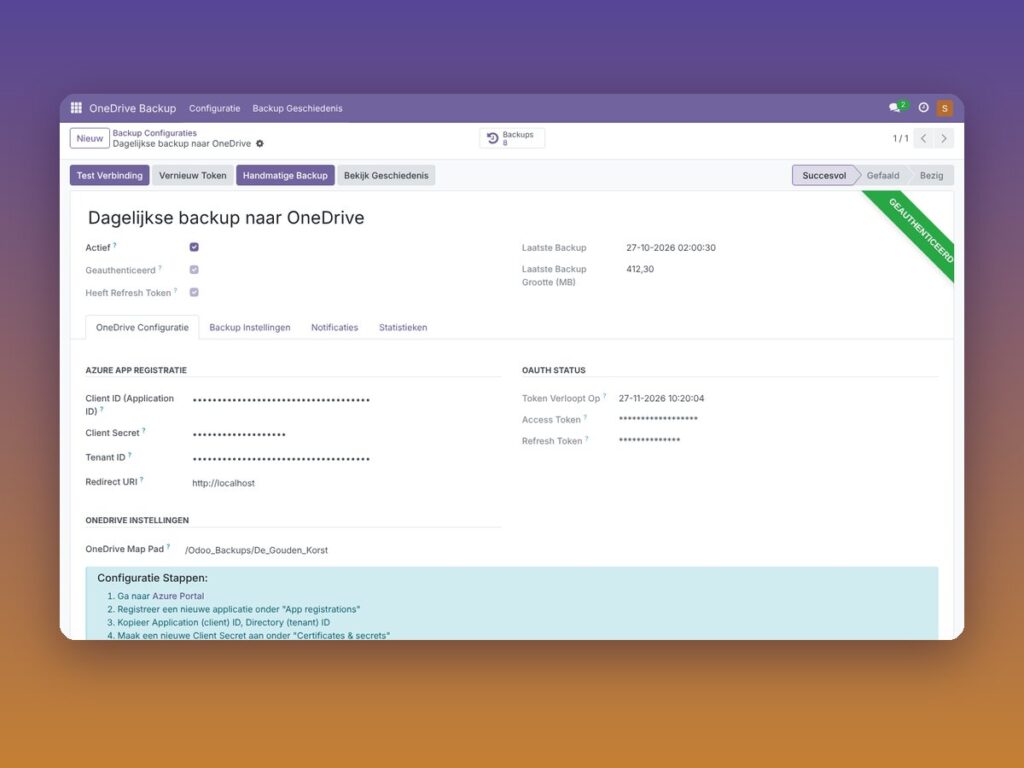
Automatic Odoo backups to your own OneDrive.
Odoo
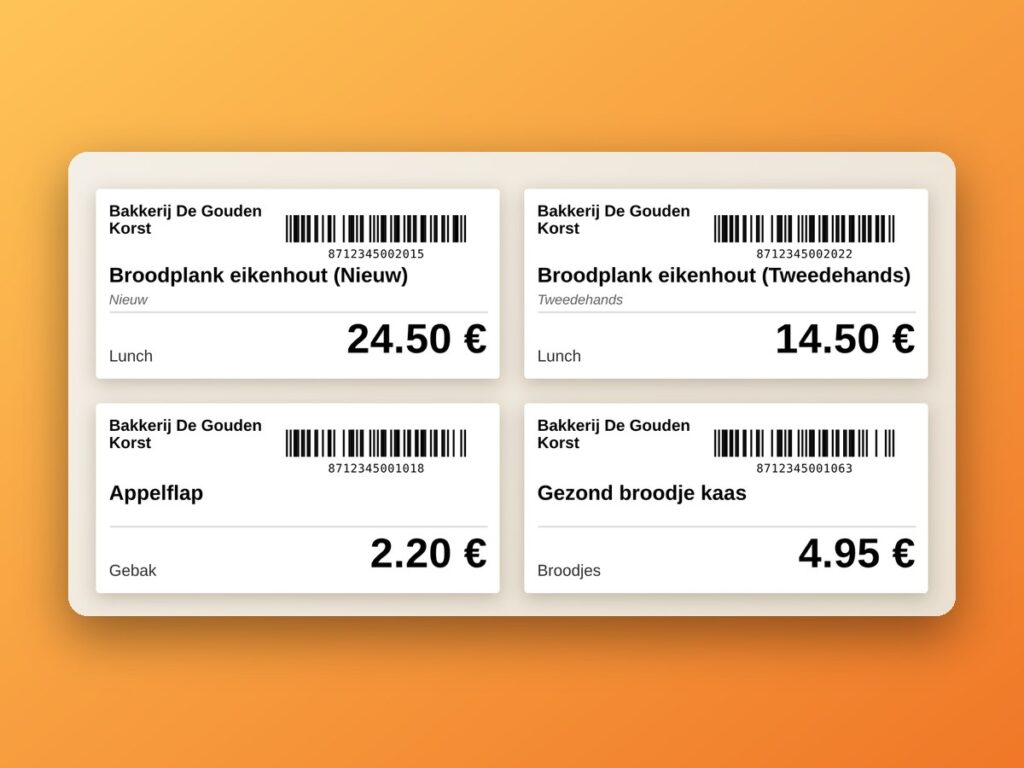
Print product labels with barcodes straight from the Odoo POS.
Odoo
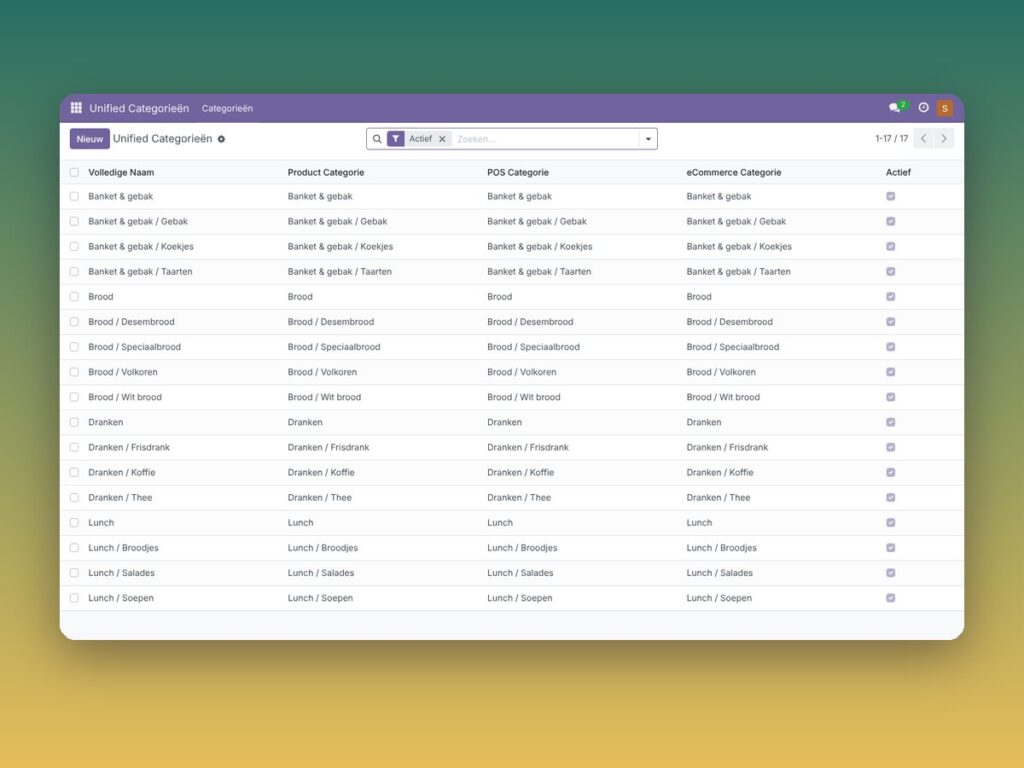
Manage product, POS and eCommerce categories in one central place.
Need an adjustment or a completely custom module or plugin? We build it for you.