WordPress
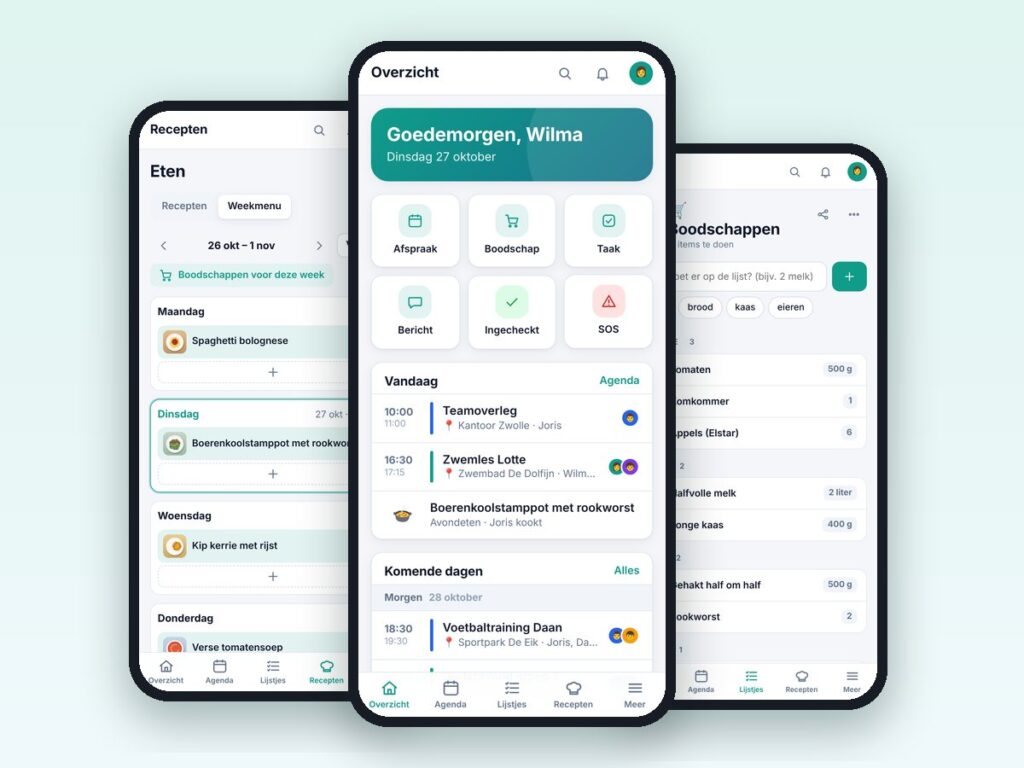
Familie Hub – family app for WordPress
One app for the whole family: calendar, lists, chores, recipes and more.
€69.00 VAT free
ViewWordPress
Hide your login URL, two-factor authentication, country blocking and more in one plugin.
Security Pro brings the security and management of a WordPress site together in one plugin. You only switch on what you need: every module is off by default, so nothing changes until you choose it.
Think of hiding the default login URL, two-factor authentication (TOTP), protection against brute-force attacks, a country block with a free local database, signing in with Google or Microsoft (SSO) and email alerts on login. The plugin also provides a custom login screen, a maintenance mode, image resizing with WebP and a page cache.
The plugin can be installed separately on any client site and can optionally be managed from ServiceDesk Pro.
| Platform | WordPress |
|---|---|
| Version | 1.2.0 |
| Requirements | WordPress 5.8+ · PHP 7.4+ · GD or Imagick for WebP |
| File size | 89 KB (zip) |
| Delivery | Digital: download immediately after payment in your account and by email |
| Support | info@daveswebsites.nl |
No. Every module is off by default and you activate what you need.
Add define('SECPRO_DISABLE', true); to wp-config.php to switch everything off temporarily. To switch off only the country block use define('SECPRO_GEO_DISABLE', true);
No. A free database (DB-IP Lite) is fetched monthly. Without a database nothing is blocked. Always start in test mode.
No, do not use the Security Pro page cache alongside another page cache plugin.
Not with integrations that use password login, such as the ServiceDesk Pro login form or the WooCommerce REST API. Log in via the hidden WordPress login URL instead; application passwords keep working.
As soon as your payment succeeds you can download the zip file on the confirmation page and in your account under Downloads. You also receive an email with the download link. If you pay by bank transfer, the downloads are released as soon as we have received your payment.
Yes. After payment your invoice is available in your account under Invoices. You can print it or save it as a PDF.
Send an email to info@daveswebsites.nl describing the problem and your order number. You will get a personal reply.
WordPress
One app for the whole family: calendar, lists, chores, recipes and more.
WordPress
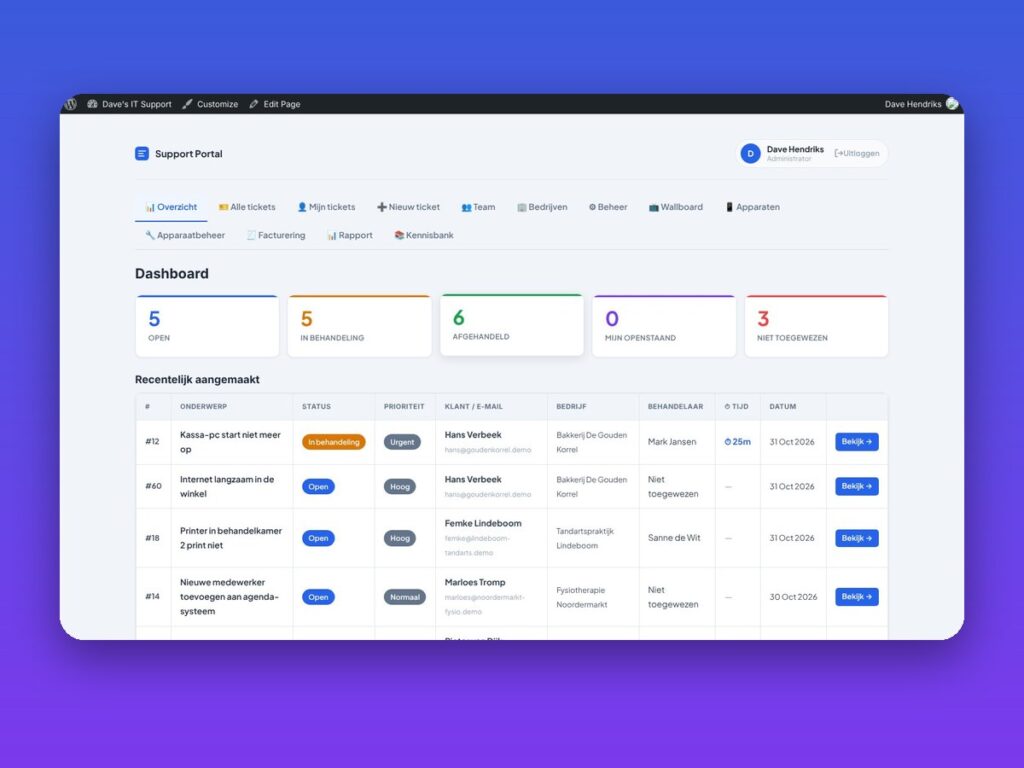
Helpdesk, customer portal, SLA, invoicing and knowledge base in one plugin.
WordPress
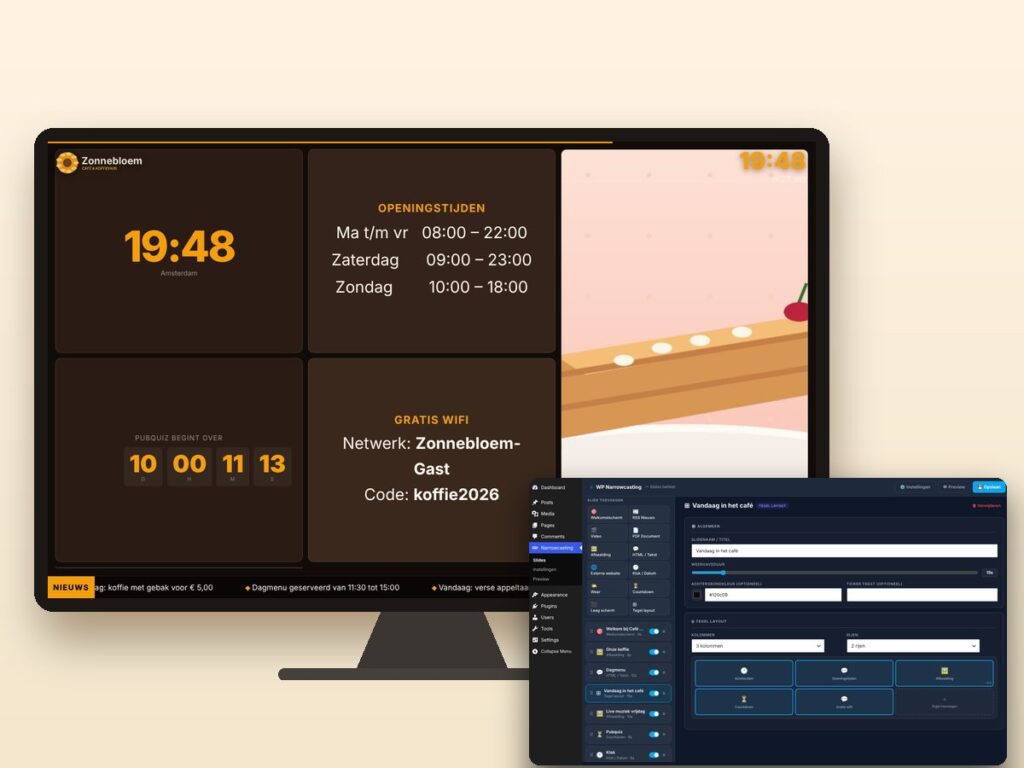
Show slides, news, video and weather on any screen, managed from WordPress.
Need an adjustment or a completely custom module or plugin? We build it for you.